Everything you need
to create.
A unified platform that brings AI generation, professional editing, and a native 3D pipeline together on one canvas.
AI Workflows
Six core workflows. Infinite creative possibilities.
Render
Generate photorealistic output from text prompts, 3D geometry, or both. AI-assisted lighting and environment generation means you can go from concept to final render in minutes, not hours.
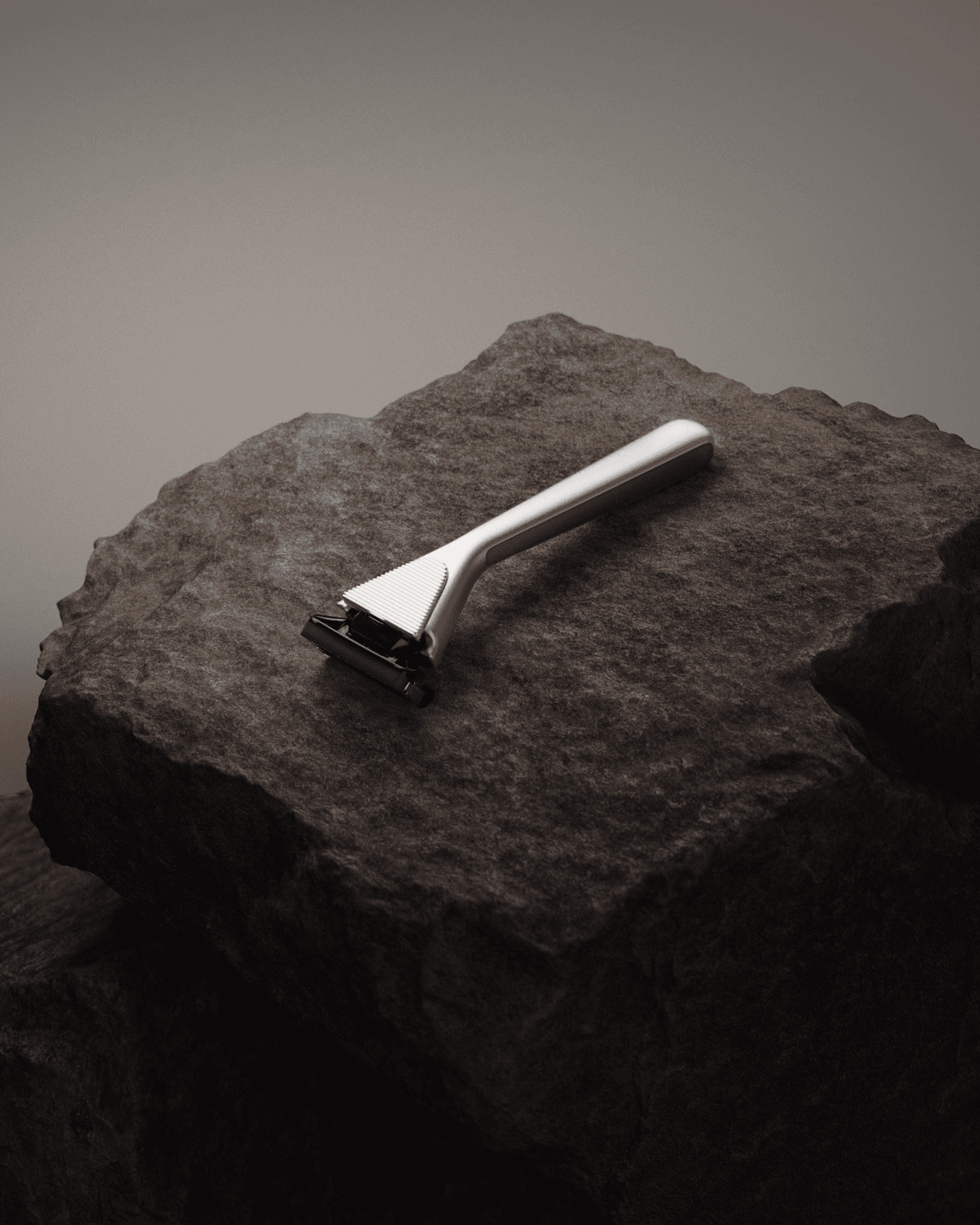
Razor on volcanic stone, dramatic studio lighting, moody atmosphere
Modify
Explore colorways, material variants, and scene changes from a single base image or 3D model. Iterate on dozens of variations without re-rendering from scratch.
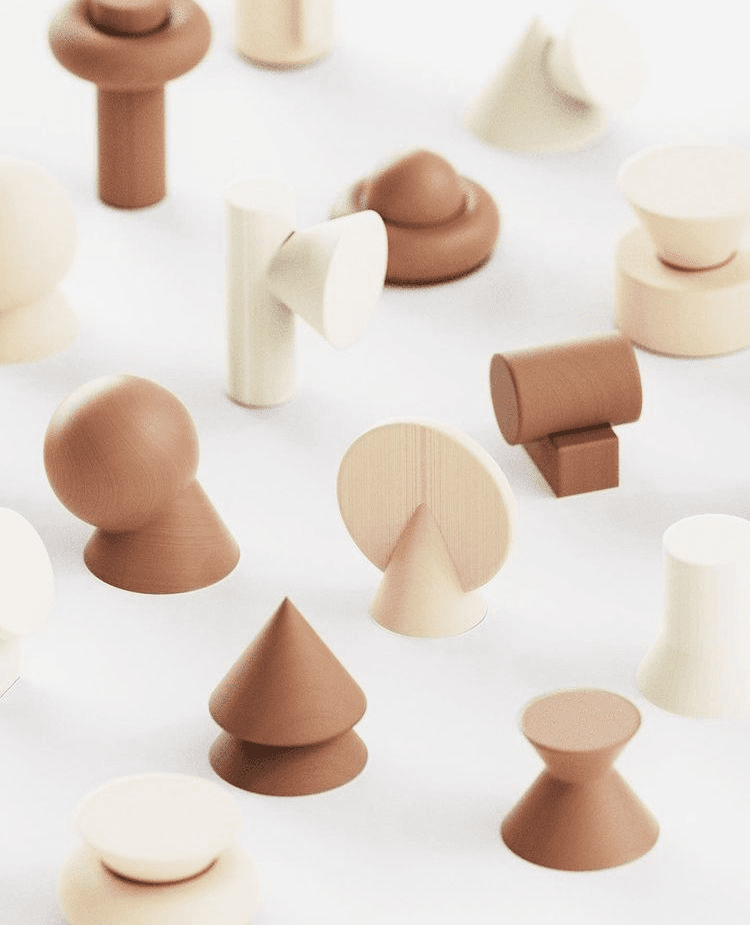
Rearrange the geometric shapes into a symmetrical grid pattern
Inpaint
Perform selective editing with semantic masks. Replace objects, fix details, or expand scenes seamlessly — all with context-aware AI that understands your scene.
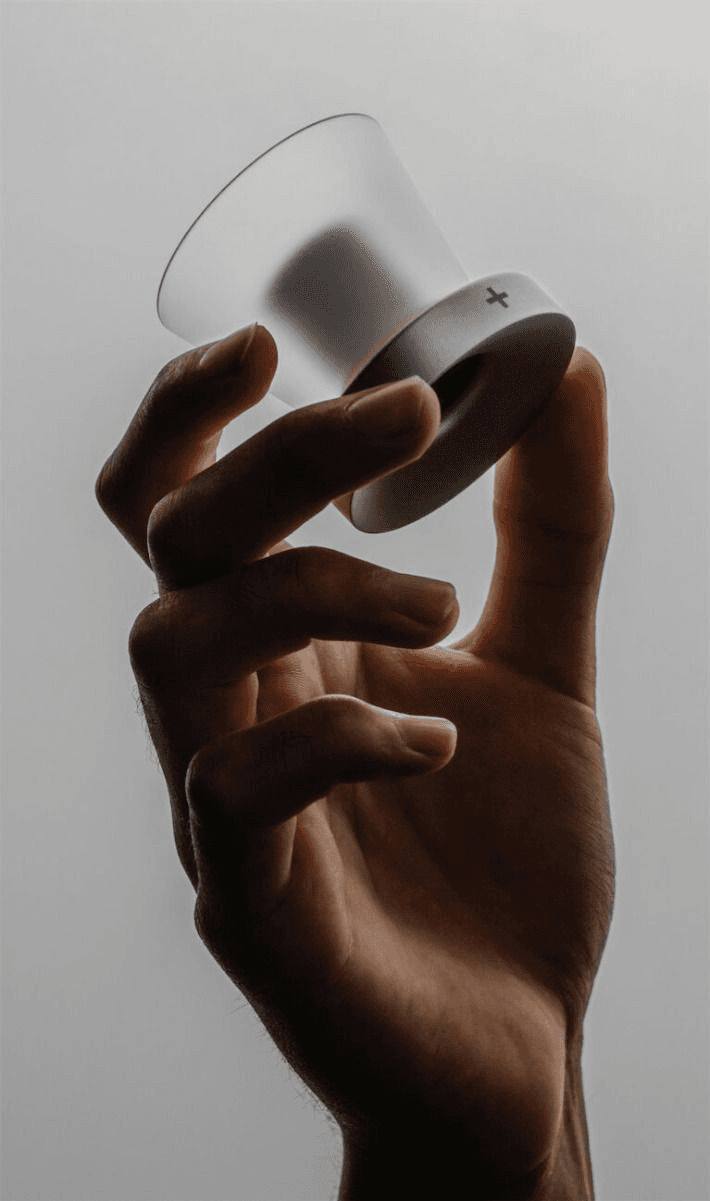
Matte black finish with soft-touch texture
Enhance
Intelligently upscale, sharpen, and add micro-details to finalize assets for print or high-res display. Go from 720p drafts to 4K production-ready output.
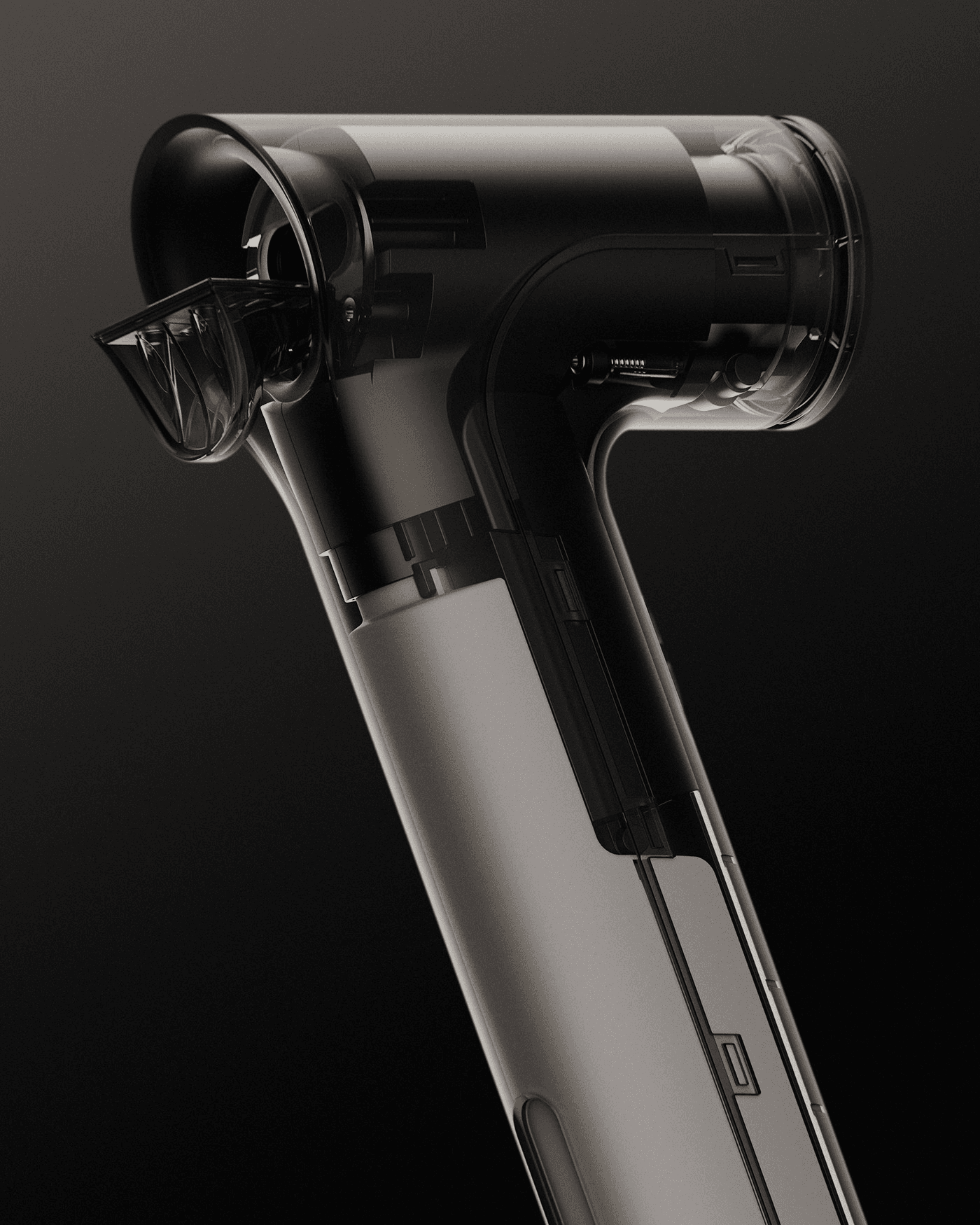
Remove BG
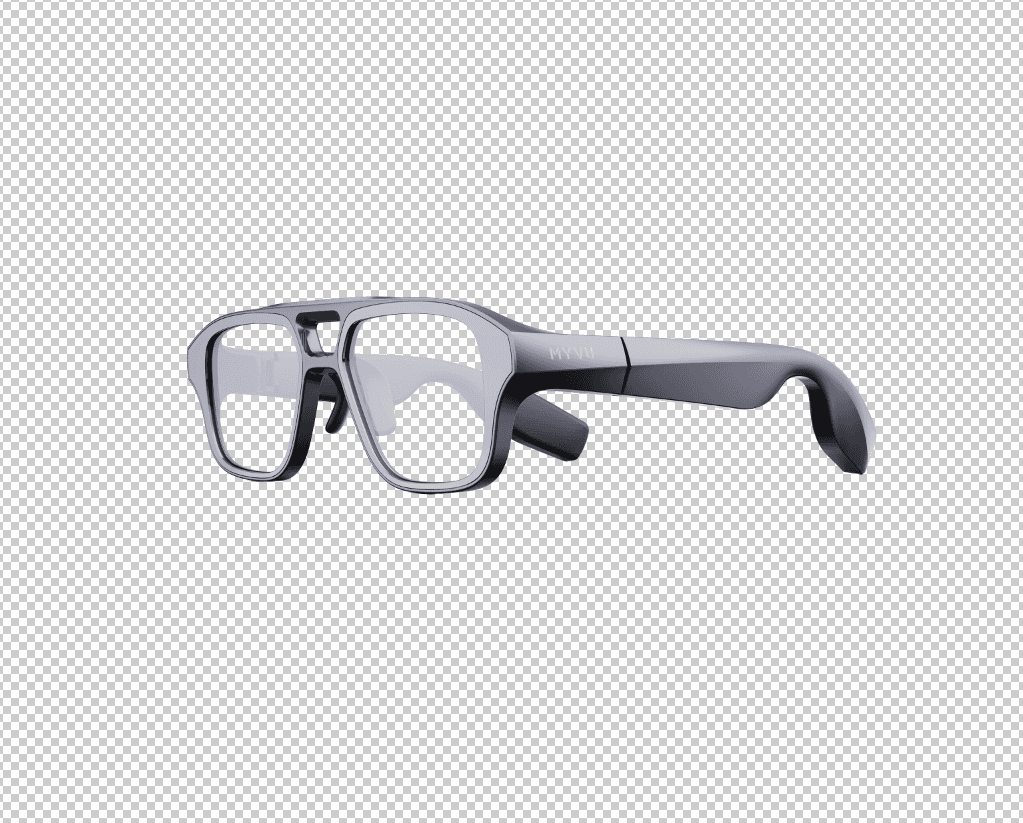
One-click background removal with pixel-perfect edge detection. Handles complex hair, transparency, and fine details that other tools miss.
Unify
Apply consistent lighting, color grading, and style across all product angles and colorways. Ensure visual coherence across your entire catalog.
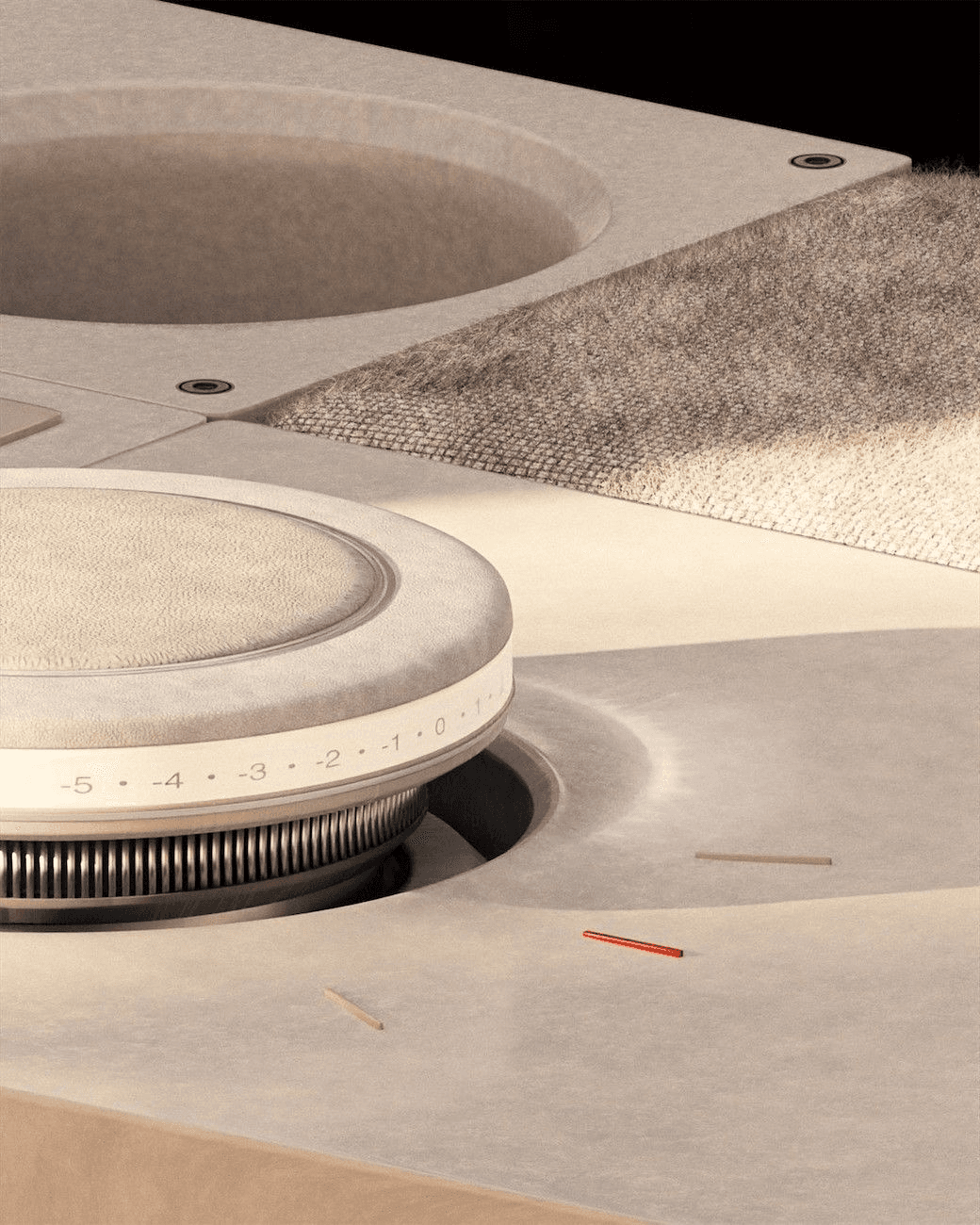
Color temp: 5200K · Contrast: +12 · Grain: 0.02
Professional tools — plus a 3D pipeline.
The Platform
Five integrated modules. One creative environment.
Studio
A full compositing canvas with 3D viewport, material application, and scene staging alongside traditional layers and blend modes. Everything you need in one workspace.
Gallery
Unified asset library that organizes everything you create. Instantly filter by Uploaded, Generated, Renders, or Flattened outputs. Search, tag, and reuse assets across projects.
3D Pipeline
Native .STEP and .OBJ support with full part hierarchy, material library, and dimensionally accurate geometry. Import CAD files directly — no conversion needed.
Inspiration
Build visual reference boards right next to your canvas. Pin images, mood boards, and style references to strictly guide the style and composition of your generations.
App Mode
Package complex multi-model node workflows into a simplified, repeatable 1-click UI. Let your wider team generate on-brand assets without touching the technical setup.